BLS Ball — bilateral stimulation for online EMDR sessions
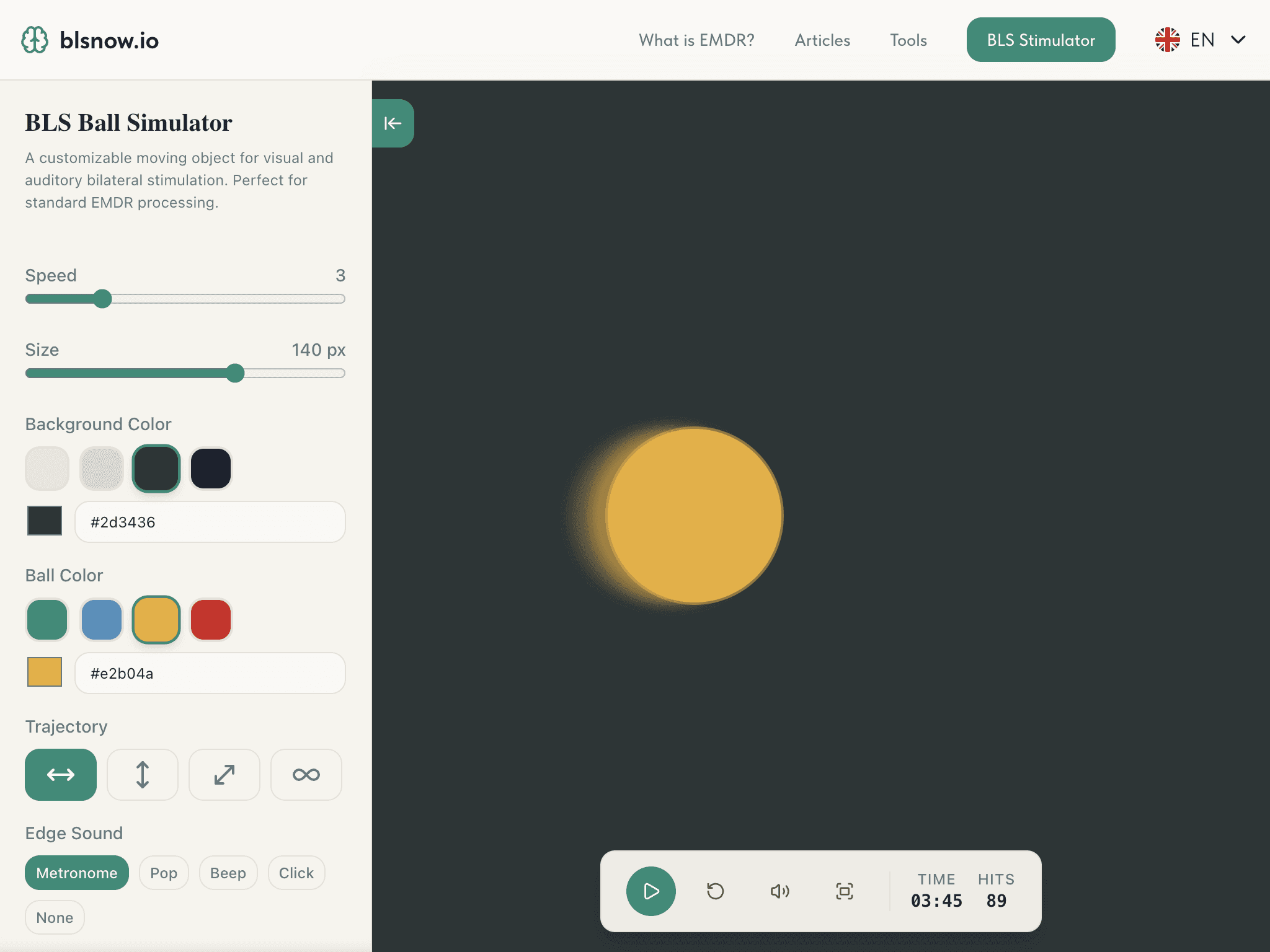
Adjust the movement, speed, and appearance of the stimulation, then send your client a separate link. The client opens the stimulator on their own device — no screen sharing needed.
How it works
- 01
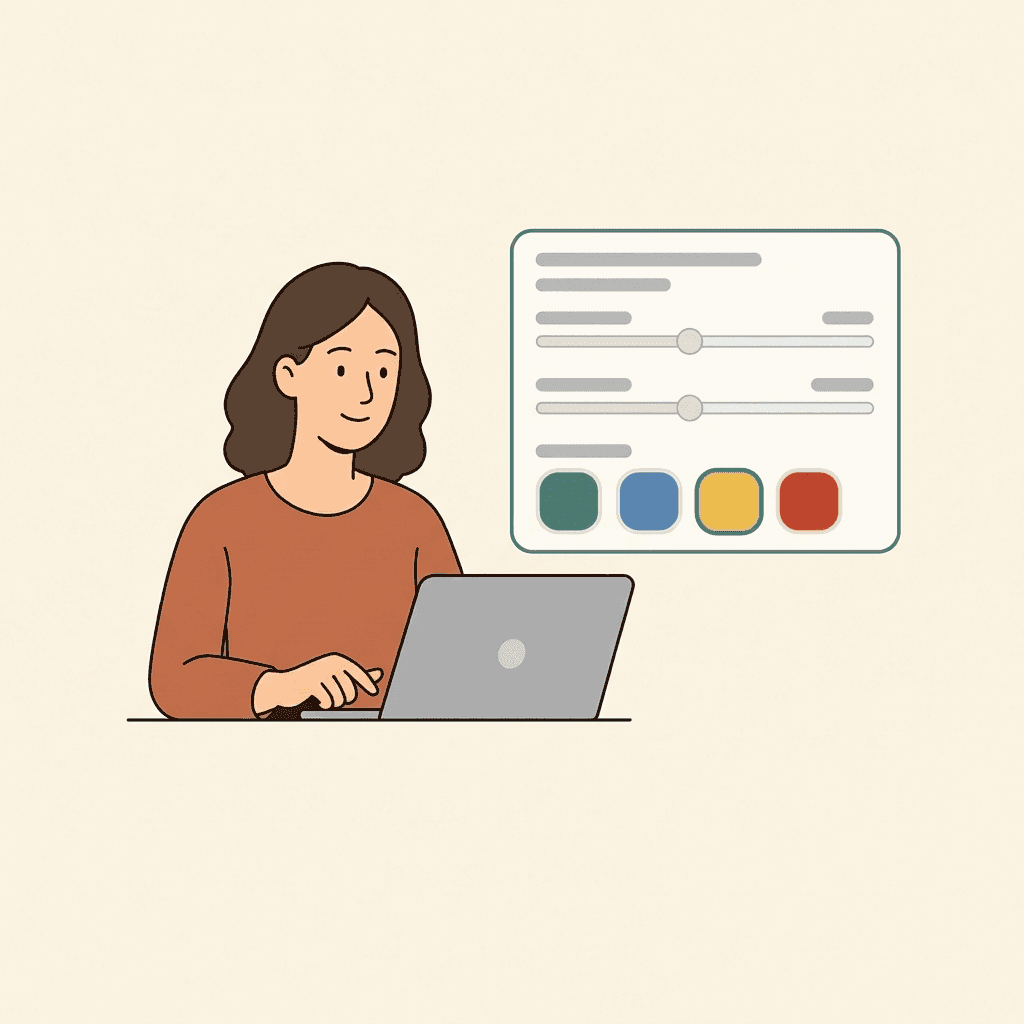
Set up the session
Choose the BLS Ball settings that fit the goals of the session.
- 02
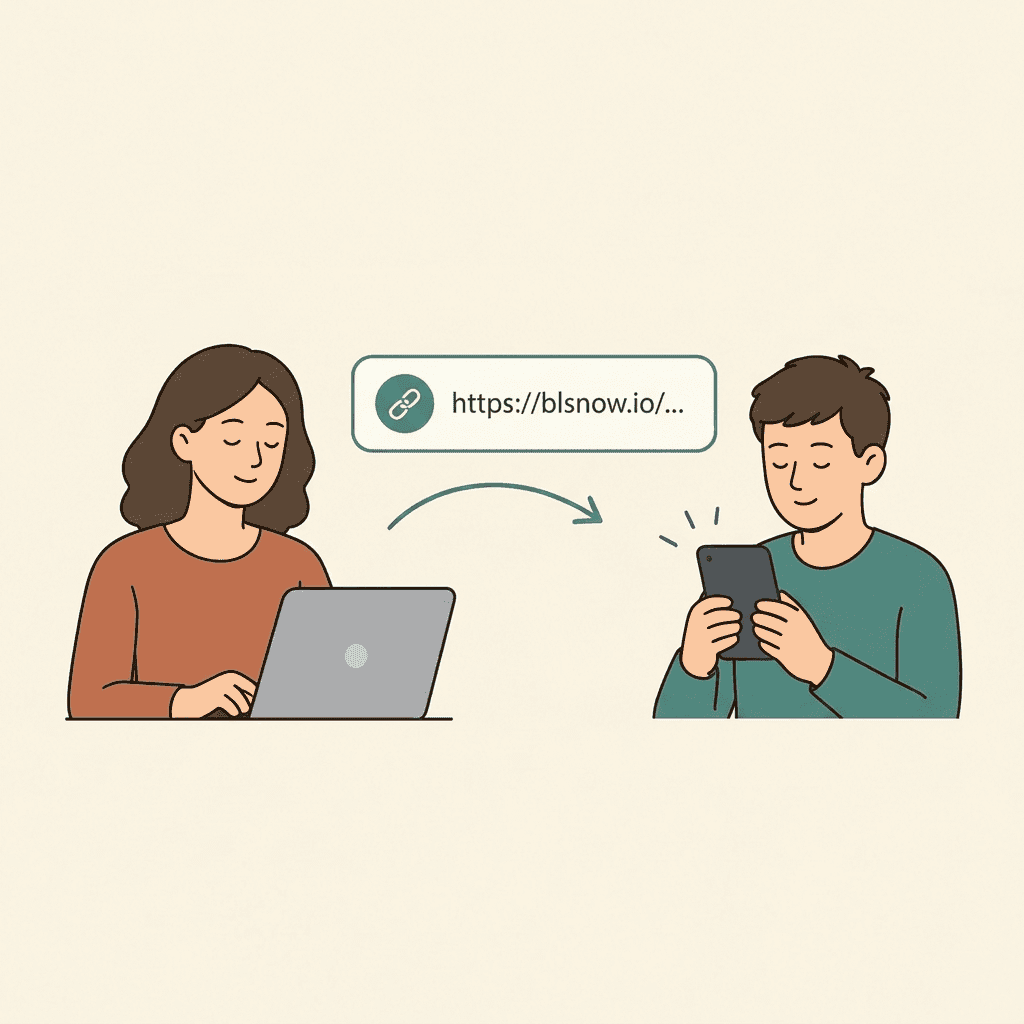
Send the link to your client
The client opens the link and joins the session from their own device.
- 03
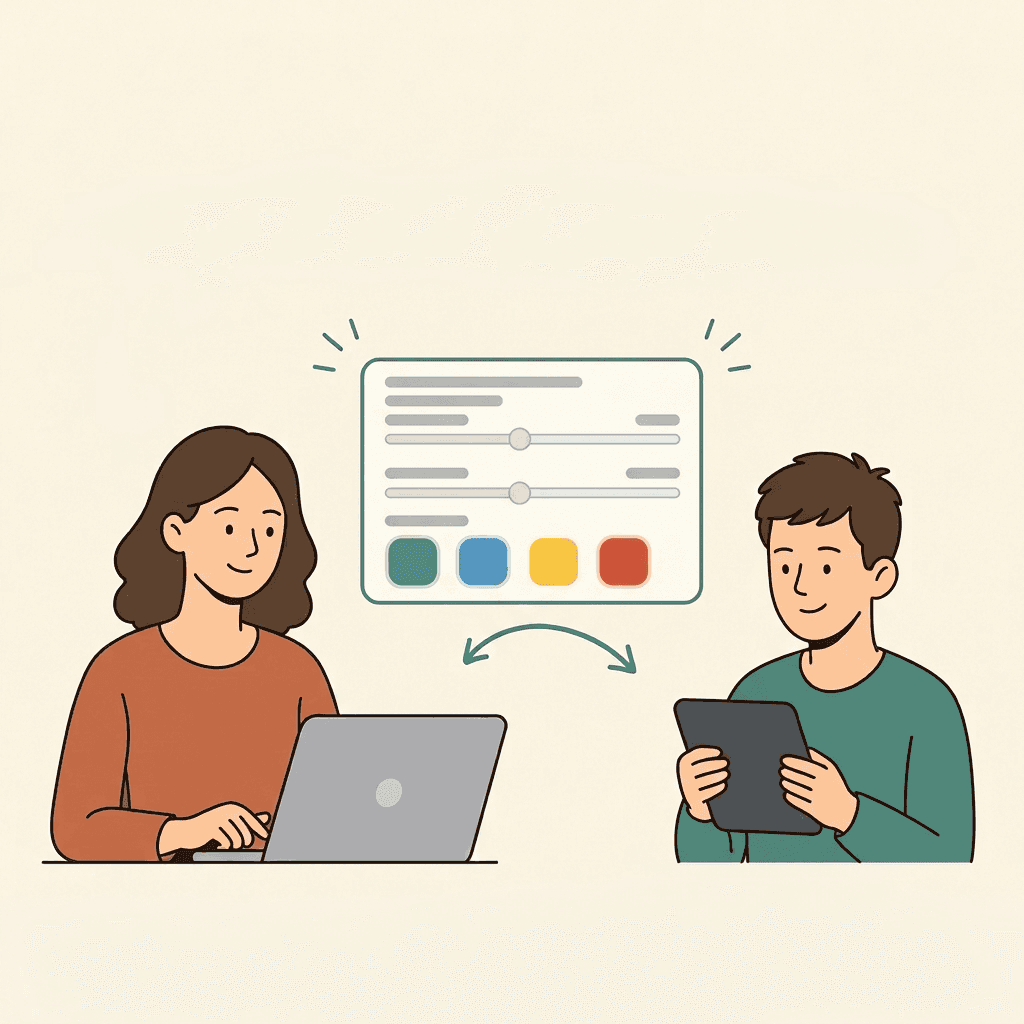
Control the stimulation
Any changes to the settings appear on the client's screen in real time.
The tool helps organize bilateral stimulation; it does not replace specialist training, clinical judgment, or a therapeutic protocol.
Master the BLS Ball in minutes
Everything for online bilateral stimulation
What psychologists say


What is EMDR?
EMDR (Eye Movement Desensitization and Reprocessing) is a psychotherapy approach in which a specialist helps the client reprocess distressing memories using bilateral stimulation and a structured protocol.
The specific indications, stages of work, and the choice of method are determined by a qualified specialist.
Frequently asked questions
How do I get started with the BLS Ball?
Open the tool at blsnow.io/en/tools/bls-ball — there's nothing to install; the page works right in your browser. Set up the stimulation as you would in an in-person session: choose the trajectory, speed, size and color of the ball, the background, and the sound. When your settings are ready, click “Copy link” and send it to your client. Registration is optional if you just want to try the tool.
How do I connect a client to a session?
Configure the session settings and click “Copy link” — the link already contains all your settings, so the client doesn't need to configure anything.
Send the link any way you like: via Telegram, WhatsApp, or your video-call chat.
The client opens it in a browser on their own device. No screen sharing is needed — the whole interface is rendered right on the client's device.
We recommend sending the link in advance, before the stimulation starts.
Learn more in the article EMDR online session: how to work with a client.
Does the client need to install an app?
No. The BLS Ball runs in the browser and doesn't require installing an app — for you or your client. The client just opens the link you send on a computer, tablet, or phone. The client doesn't need to register either. Any modern browser will do (Chrome, Safari, Firefox, Edge); sound playback and fullscreen use the browser's standard capabilities.
Can I change the settings during a session?
Yes. You control the session, and the client just watches the ball. In real time you can change the ball's speed, size and color, the background color, the trajectory and type of sound, and start/stop the stimulation. All changes are reflected instantly on the client's screen.
Muting from the control panel (Mute) only affects your own panel.
When paused, the ball smoothly finishes the current cycle, stops, and returns to the center.
What if the stimulator won't open for the client?
A short checklist for the client:
- Open the whole link — it should look like
https://blsnow.io/client/tools?id=...(if the link looks different, ask for it to be sent again). - Check the internet connection and refresh the page.
- Open the link in another modern browser (Chrome, Safari, Firefox, Edge).
- If there's no sound, tap/click the page once: browsers only enable sound after a tap/click.
- Click Start to enter fullscreen mode (the browser may ask for fullscreen permission).
- If that doesn't help, try another device.
If nothing helps, contact us any way you like. All our contacts are on this page.
Is the BLS Ball suitable for self-therapy?
No. The BLS Ball is a bilateral stimulation tool for specialists, not a self-therapy method. It helps organize stimulation during a session, but it doesn't replace specialist training, clinical judgment and a therapeutic protocol, or contact with a qualified psychotherapist.
Working on severe conditions and trauma on your own is not safe.
Learn more: EMDR self-practice: techniques and recommendations.
Where can I find the guide?
A step-by-step guide is available above on this page — it opens as a preview and expands into a modal window with steps (“Step X of 14”), showing screenshots of the interface elements and explaining how to configure the tool.
There's also a short video/interactive demo introducing the BLS Ball. To get started quickly, just open the tool and adjust the settings — you don't have to go through every guide step beforehand.
We covered the entire interface in detail in the article EMDR online session: how to work with a client.
What other tools are available?
Besides the BLS Ball, BLS Now includes the Breathing tool — breathing exercises with configurable inhale, hold, exhale, and number of cycles, plus the “4-7-8” and “box breathing” presets.
See the full list in the tools catalog.